
mimeprotect
Menu
All solutions

Legal teams

Move the agreement forward. Keep the evidence close.

Get documents signed and keep a clear record of what was agreed. Give clients and colleagues a practical way to verify the documents you issue.

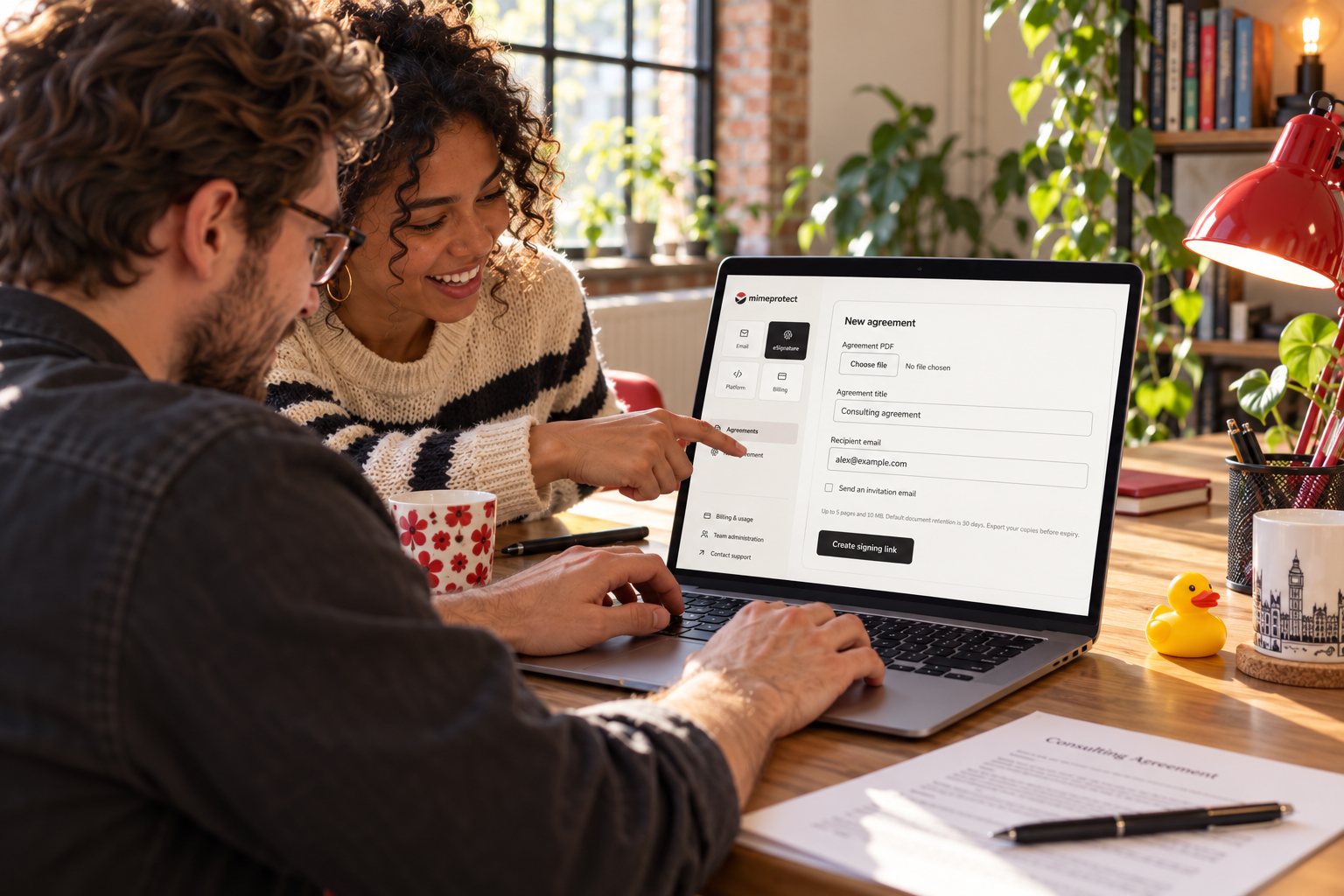
Colleagues creating an agreement in the signing workspace

From first draft to final record

Less chasing. A clearer agreement trail.

Send the final document for signature, capture the signer’s consent and retain the completed copy with its evidence. When the agreement is shared later, its proof gives reviewers a source to check.

01

Stand behind the final document

Issue records with a signed original and give recipients a direct way to check whether a shared file has changed.

Explore the product
02

Get agreements over the line

Share a signing link, request an email invitation and keep the completed agreement with its timestamps and signing record.

Explore the product
03

Protect sensitive client communications

Strengthen email authentication and add digital signatures to important messages from your organisation.

Explore the product

Explore the experience

A clear next step for both sides of the agreement.

Your team sends and tracks the request. Your recipient reviews and signs through a private link.

Your team

Send, track and keep the evidence

Organisation workspace
Agreements

Client engagement agreement

Recipient
Alex Morgan
Status
Awaiting signature
Delivery
Private signing link
Document uploadedInvitation sharedConsent recordedCompleted copy sealed

See the request and completed agreement in the same workspace. Generate links through the API or send an email invitation.

Your customer

Review and sign in the browser

Recipient experience
Ashford Legal

You’ve been invited to sign.

Client engagement agreement.pdfReview the agreement before signing
Your full name
Alex Morgan

The recipient opens a private link. No MimeProtect account is needed to sign.

A workflow your team can follow

From the first document to the final record.

01

Prepare the final agreement

Upload the agreed PDF or send it from your case-management integration. Name the agreement and select the recipient who needs to sign.

02

Share the signing request

Create a private signing link for your own delivery workflow or request an email invitation. The recipient reviews the exact document before confirming consent.

03

Retain the completion evidence

Download the completed agreement and supporting evidence. Keep its timestamps, consent record and document digest with the matter so your team can refer back to the signed version.

04

Make later copies checkable

Use document provenance for important issued records. When a copy returns from another party, the verification workflow provides a consistent way to compare it with the registered original.

Where it fits

Client onboarding

Get engagement letters and service agreements completed without a separate account for the recipient.

Matter administration

Keep signed agreements and their evidence alongside the documents your team already manages.

Issued records

Give clients and counterparties a verification route for important documents you issue.

Start in the way that suits your team

Use the workspace. Build with the API.

Your operations team can start in the dashboard. Your developers can create sandbox keys and connect document issuance, signing and verification to your existing systems. Choose your organisation’s data region and move to production with the same workflow.

Questions from legal teams teams.

Can we send a link through our existing client portal?

Yes. The API returns a private signing link which your portal or messaging system can deliver to the intended recipient.

What evidence comes with the completed agreement?

The record includes the document digest, explicit signing consent, signing time and IP information. Download the completed PDF and its evidence for your matter file.

Can we discuss retention and evidence exports?

Yes. Share the process you need through the contact form. We can scope retention, exports and service support around your requirements.

Make verification part of your agreement process.

Start with one workflow. Connect it to the tools your team already uses.

Get startedRequest a demoTell us your custom requirements